Help and manuals
How to move a photo to the desired taxon: step by step
online plant identification guide
Step 1
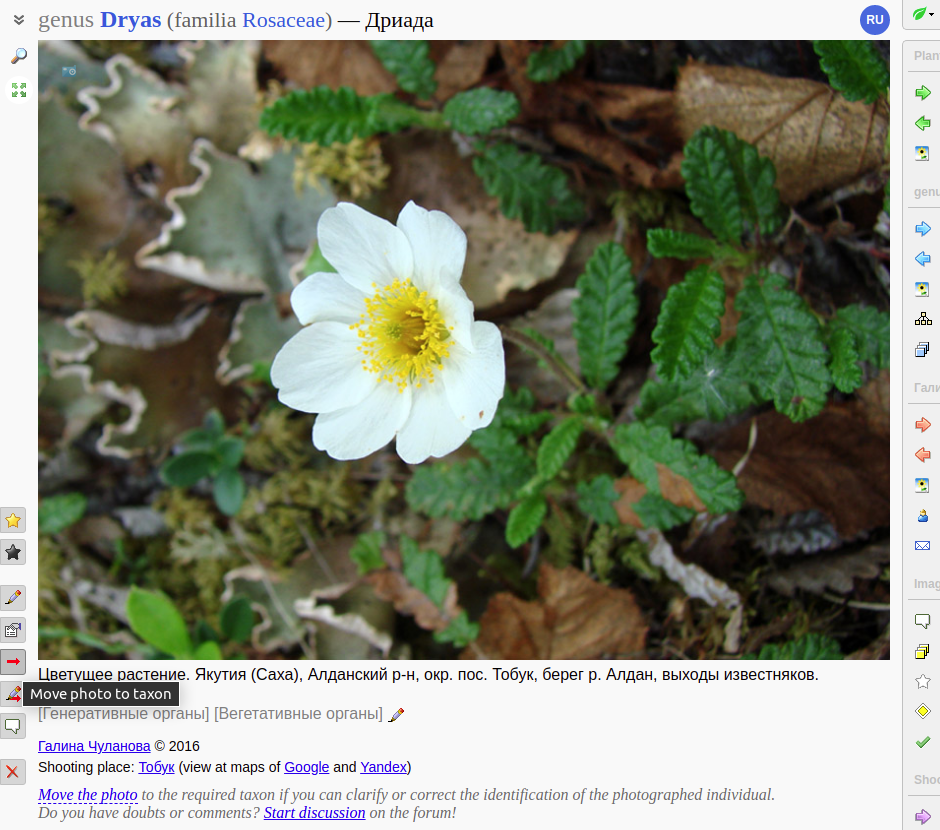
Click on the button  ("Move photo to taxon") to the left of the image or click on the "Move the photo" link under the image.
Step 2
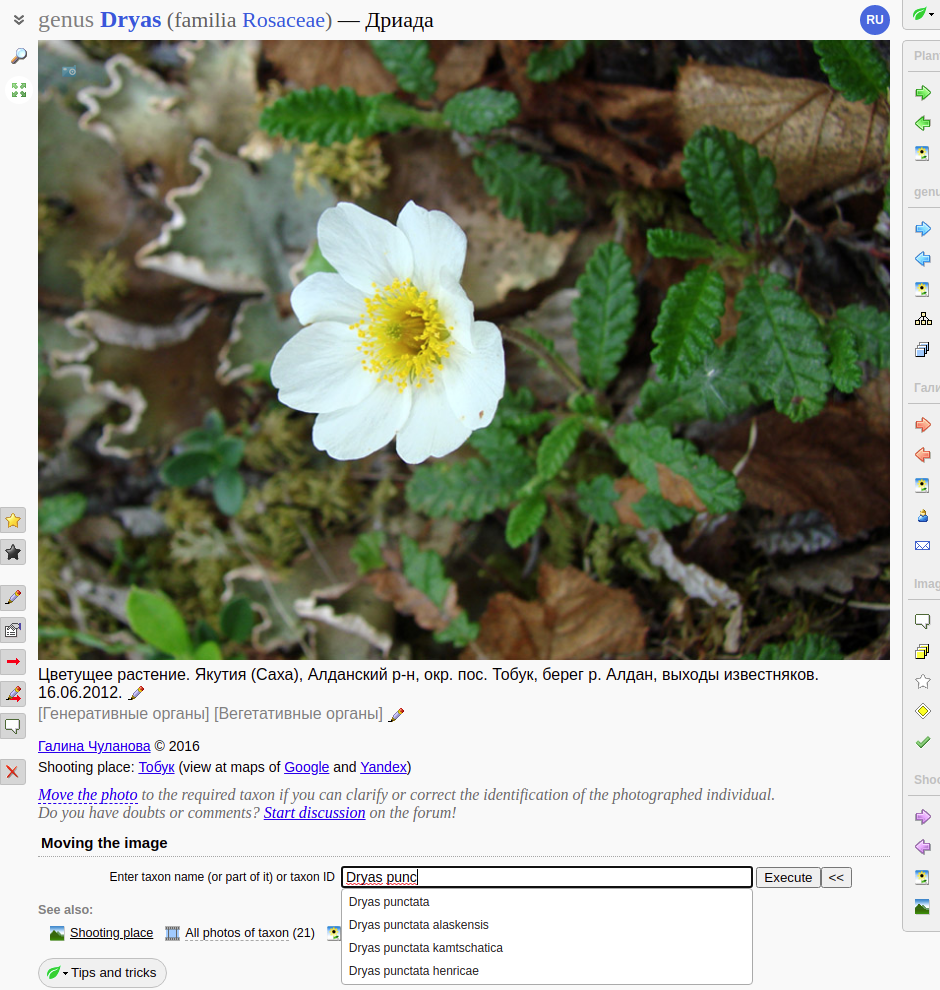
In the form "Moving the image" enter the Latin or Russian name of the taxon or part of it (for example, "Dryas punc"), then click the "Apply" button.
Step 3
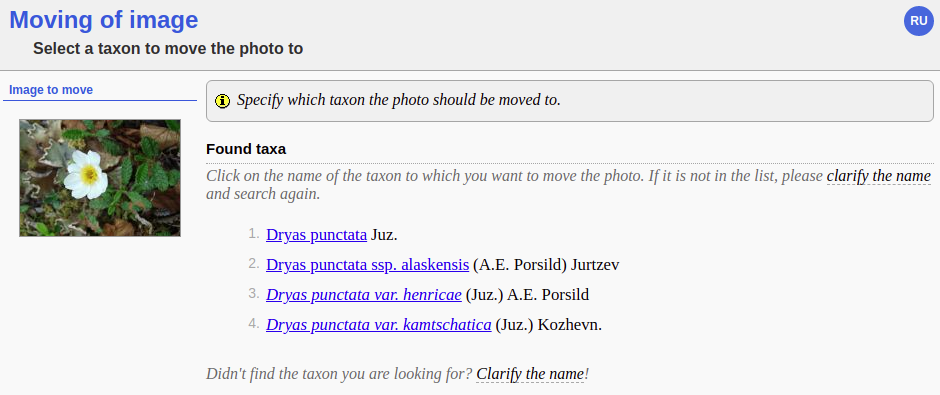
If several suitable taxa were found, select the one you need from the list.
Step 4
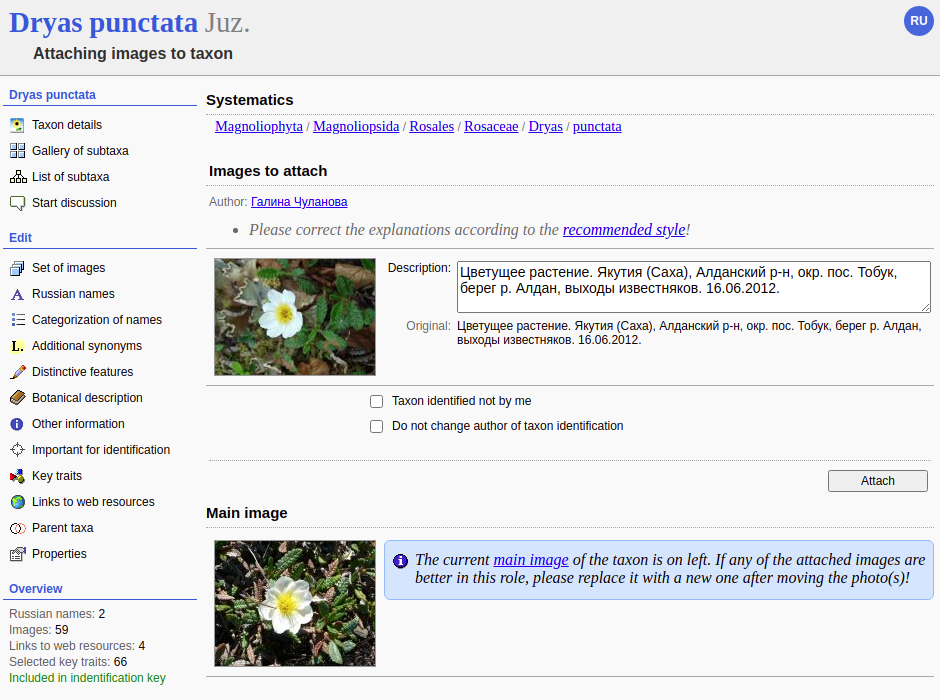
- Make sure to choose the correct taxon (its Latin name is in the page title).
- Correct the descriptions of the transferred images, if they require it.
- Click the "Attach" button
Step 5
Done!
Plants and lichens
Participant
Search
|
|
Feedback | To the top |